
Medical imaging inside your clinical workspace
A patient’s context should not be spread across five tools. Patien keeps the study, the encounter and the note in one place.
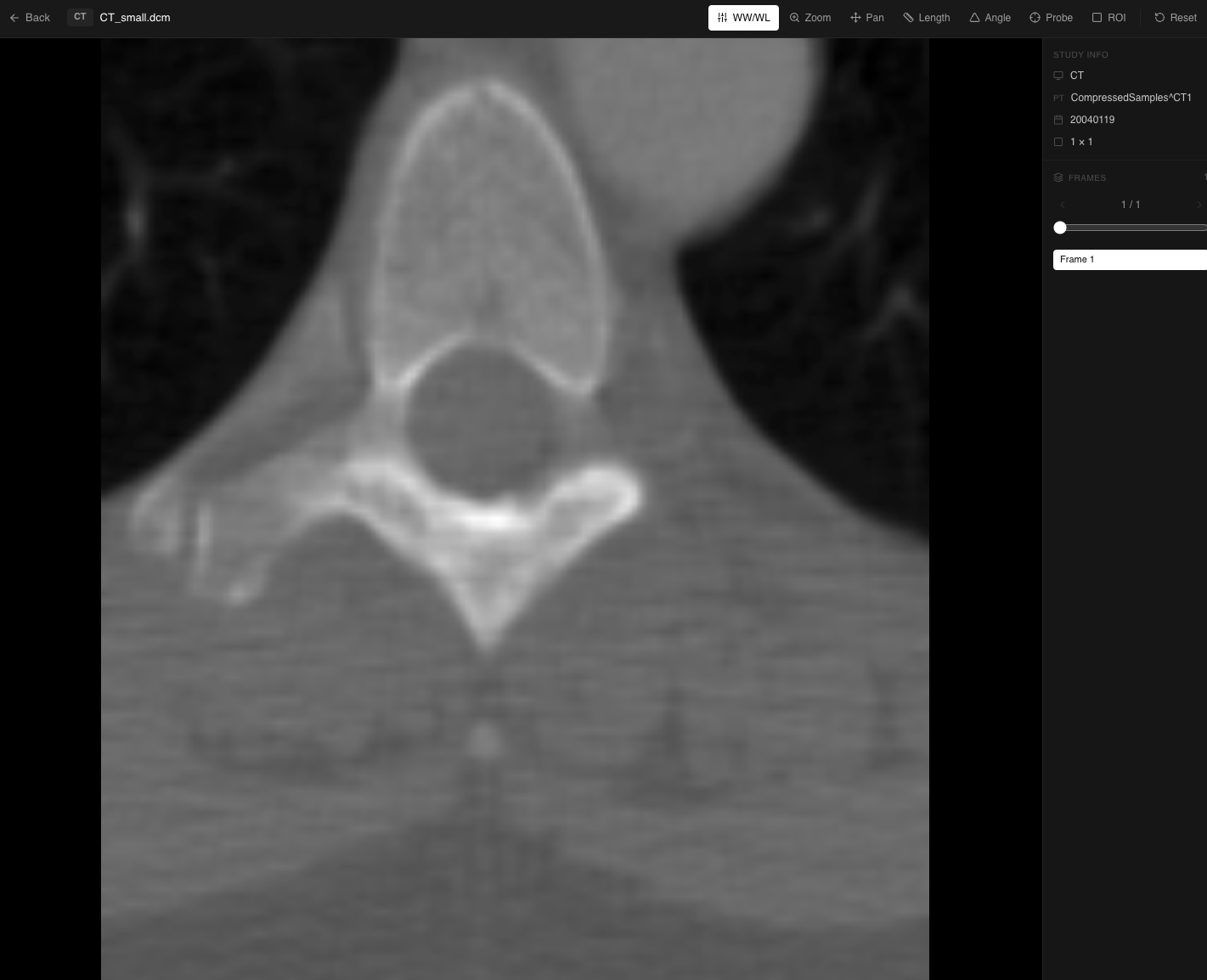
Read the study
CT, MRI and plain films open in the browser. Window and level, zoom, pan and scroll through the stack, without installing anything.
Measure on the image
Length, angle, pixel probe and rectangular ROI. The measurements stay on the study as annotations — they are not written into the note for you, so what reaches the record is what you put there.
Keep the thread
The study belongs to the visit. Open the encounter later and the imaging is still attached to it, not filed somewhere else.
Patien does not read the image
No model looks at your study. There is no detection, no classification, no automated measurement and no second opinion. The clinical judgement is entirely yours.
What Patien does is the documentation layer: you dictate your findings with the study open, and your dictation is transcribed and saved against it. That transcript is your words, not an interpretation of the pixels.
Why it is part of Patien at all
Surgical and procedural practices already own a PACS. What they do not have is a way to look at an image while documenting the conversation about it. The study opens in one application, the note is written in another, and the clinician carries the findings between them from memory.
Patien is not trying to replace a radiology workstation. It removes the gap between reviewing an image and recording what it changed.